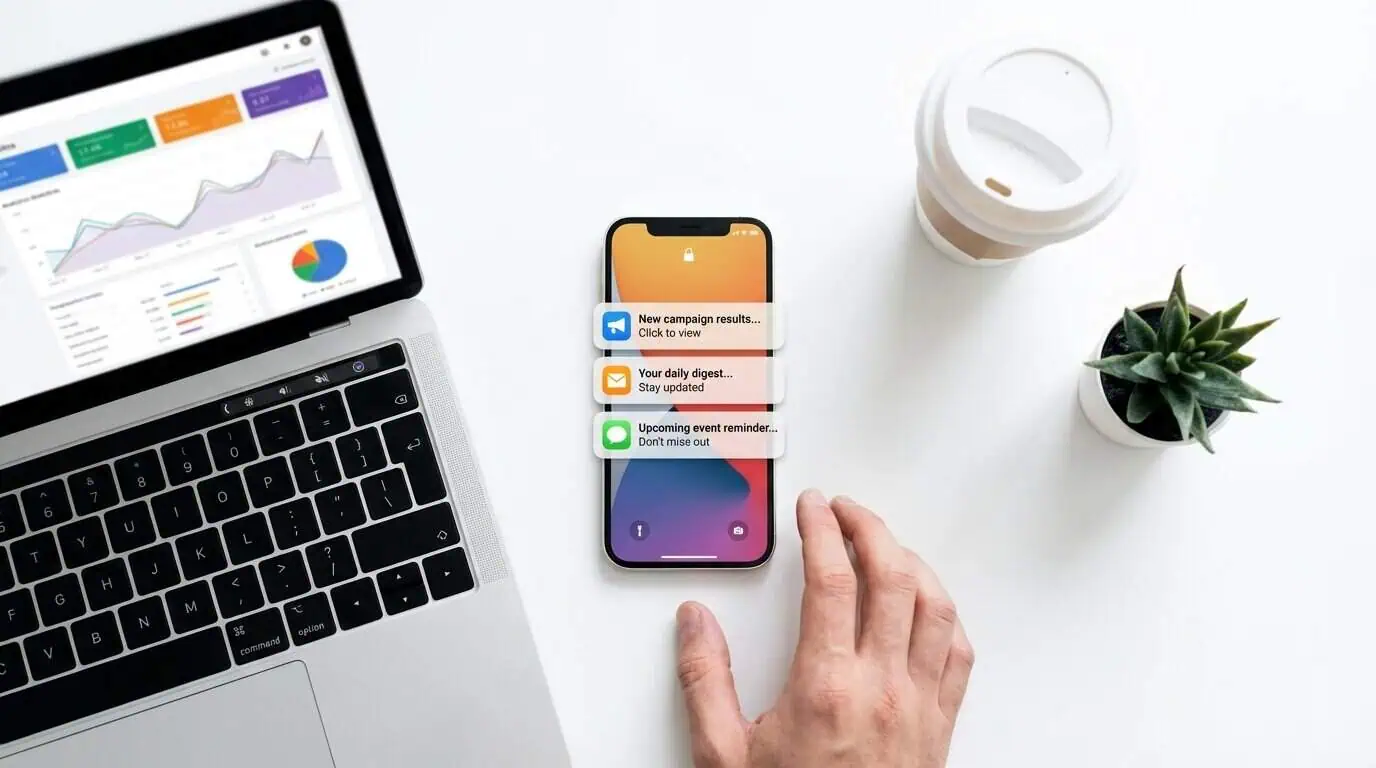
Push notification marketing not only helps you build stronger connections with your customers, but it also gives you a proven way to nurture leads, increase engagement, and convert casual followers into long-term supporters.
No matter what type of business or creator you are, whether you’re an influencer, musician, brand, or agency, a push notification list is one of the most powerful elements of a successful marketing strategy. With PushPass, you can share updates instantly, promote your offers, and keep your audience engaged – directly on their phones.
See how push notifications work without an app on our push notification platform.
Why Push Notification Marketing Matters
Unlike email, which often gets ignored or buried in crowded inboxes, mobile push notifications go straight to a user’s lock screen. This means your message has immediate visibility and impact.
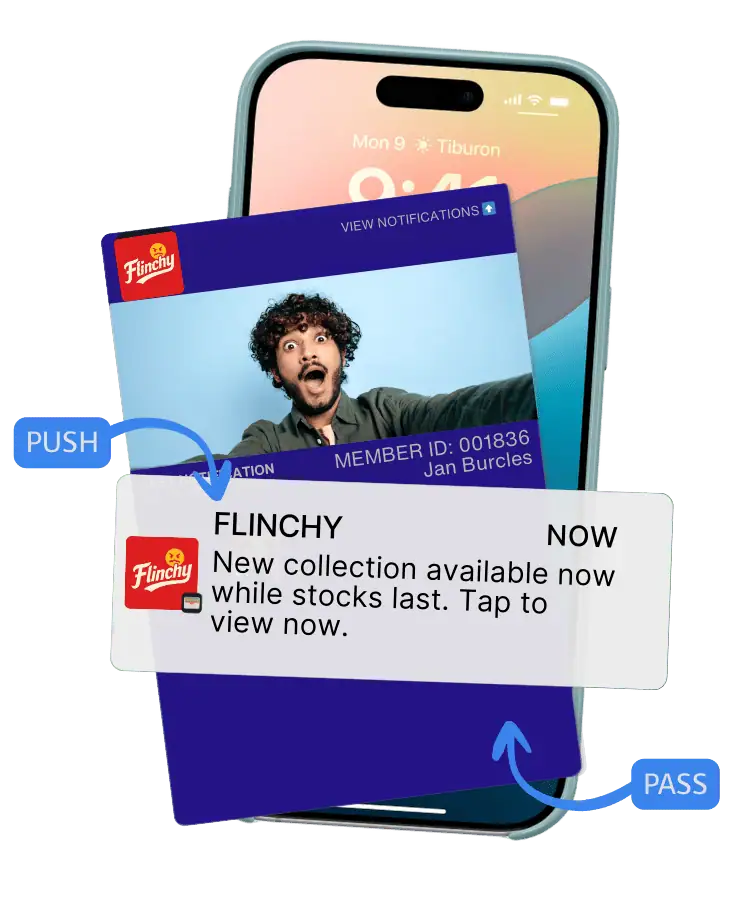
Mobile wallets make this possible without the need for a custom app, with push notification marketing at your fingertips. Once your audience adds your branded pass to their wallet, you can send them notifications anytime, whether it’s about a new product launch, a live event, or exclusive content.
For creators and businesses frustrated with declining social media reach, PushPass provide a direct, owned channel that you fully control.
Building Your PushPass Notification List
Online businesses and creators that want to grow their reach can use opt-in forms, lead magnets, and targeted ads to build their PushPass lists quickly. Instead of focusing on gathering email addresses, you’re guiding people to add your branded pass to their wallet.
Here’s a simple recipe to start: combine opt-in forms on your website with social media posts to get more people adding your PushPass to their wallet.
Step 1: Use Your Branded Opt-In Form That We Provide
With the fully branded opt-in form that we provide, your fans can subscribe in seconds. Once they register, they’re presented with a QR code or link to add your branded pass to their wallet, instantly connecting them to your notification stream.
Here are a few tips before sharing your registration link:
- Choose an attention grabbing headline: Clearly describe the benefit of adding your PushPass to their wallet, such as exclusive news, early access, or special offers.
- Add a short, relevant description: A concise line explaining what subscribers will get helps increase conversion rates.
- Keep it simple: Let them know how simple it is to register.
- Use a strong call to action: Give them a strong call to action button Try “Get Instant Updates” or “Join My VIP List.”
PushPass users have seen dramatic increases in engagement and conversion after adding this to their websites, link-in-bio and video descriptions.
You can also use a QR that we provide to onboard followers from your videos.
A 15-minute call. Your brand on your lock screen before it ends.
Step 2: Use Social media posts & Ads to Get More Passes Added to Wallets
Social ads let you target the exact audience you want. Pairing these ads with your PushPass add-to-wallet link can rapidly grow your notification list.
When running ads:
Highlight the exclusivity of joining your VIP pass.
Use visuals that show your branded pass on a phone screen.
Keep the messaging focused on instant access and real-time updates.
The Power of PushPass Notifications
With a growing list of subscribers, you can send notifications that cut through the noise of email and social media. Whether you’re announcing a new video, promoting a sale, or sharing tour dates, push notifications arrive instantly where your audience is already paying attention: their phones.
FanCircles PushPass wallet pass platform gives you analytics too. You’ll know how many people received your message, how many clicked, and even where they’re located. This makes it easy to measure results and optimize your strategy.
Ready to Start?
PushPass makes creating passes simple. Create custom campaigns, track performance, and turn insights into results. It’s like Mailchimp – but built for mobile notifications instead of emails.
Start building your notification list today and see how PushPass can transform the way you connect with your audience.
A 15-minute call. Your brand on your lock screen before it ends.